Get Microsoft 365 ready before you switch on Copilot.
Copilot can see everything the person using it can see. If files in SharePoint, OneDrive and Teams are shared too widely, Copilot will find and summarise them for anyone who asks. I clean up access first, so your Copilot rollout is useful and safe.

Copilot readiness
with Daniel Awokunle
- Free 30-minute call to scope it
- Built inside your own Microsoft 365 tenant
- 250+ projects for small businesses and large companies worldwide
Sound familiar?
What I usually get called in to fix.
You're about to buy Copilot licences and nobody is sure who can see what.
Sites and files were shared with everyone in the company, or with links anyone can open.
Old and duplicate files mean Copilot gives answers based on outdated information.
Leadership wants AI now, and IT wants a plan for security and governance first.
What I build
Copilot readiness work, done properly.
Oversharing review
Find the sites, libraries and links that are shared too widely using the SharePoint admin reports, then fix them site by site.
Permission clean-up
Move from one-off sharing to Microsoft 365 groups with clear site owners, so access matches how your teams work.
Keep sensitive sites out
Use Restricted Content Discovery and site controls so HR, finance and legal content stays out of Copilot while access is being fixed.
Sensitivity labels
Label confidential content so sharing and access follow the label instead of relying on memory.
Content clean-up
Archive or remove outdated and duplicate files so Copilot grounds its answers on current information.
Pilot and adoption
A small pilot group, practical prompts for real tasks in your business, and a rollout plan for everyone else.
Real client work
Built for clients like you.
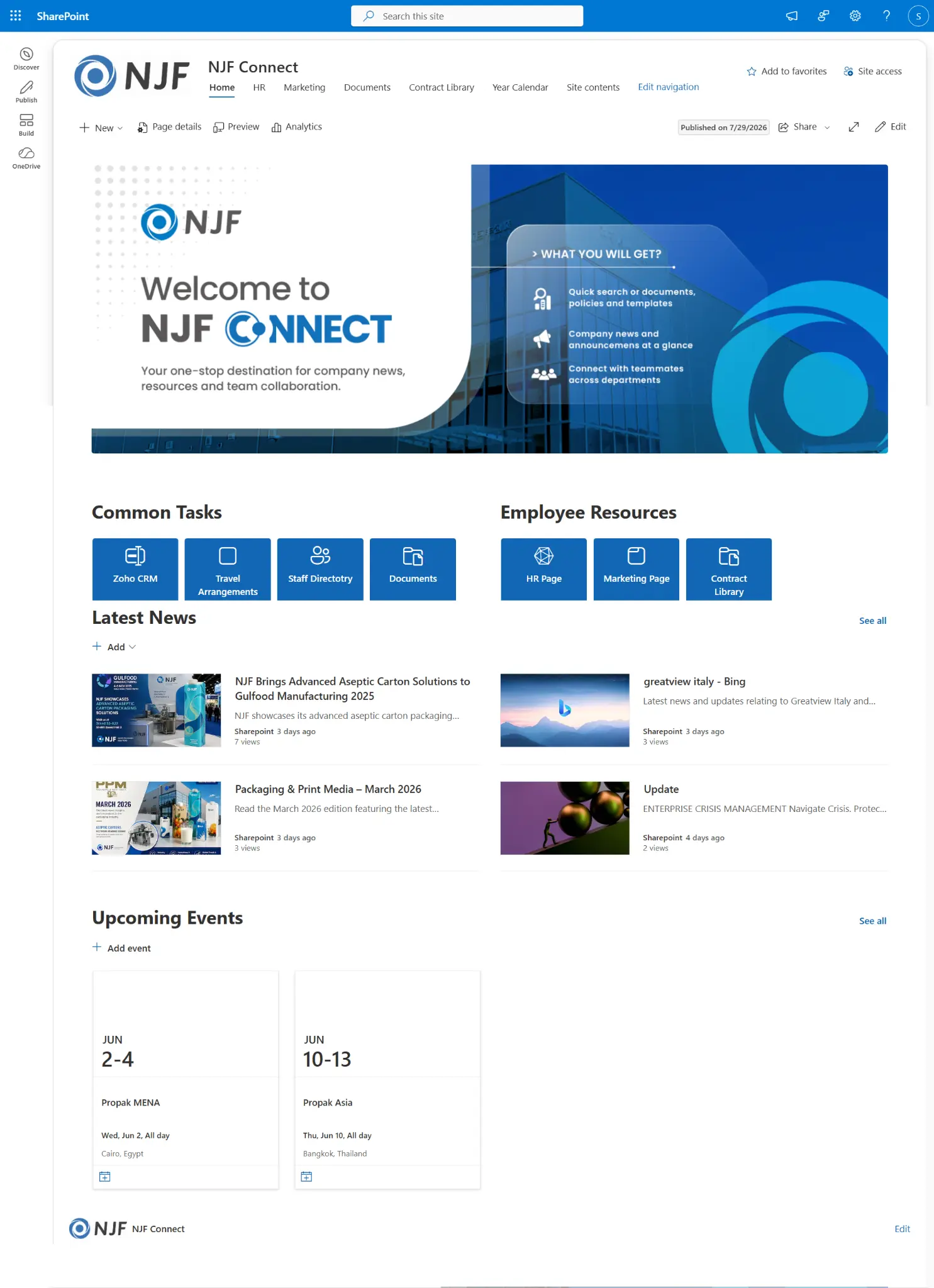
FAQ
Copilot readiness questions.
Does Copilot ignore SharePoint permissions?
No. Copilot only shows content the signed-in person already has permission to open. The risk is that many people have access to far more than they should, and Copilot makes that oversharing easy to find.
Can I keep certain SharePoint sites out of Copilot?
Yes. SharePoint Advanced Management includes Restricted Content Discovery, which stops a site's content appearing in Copilot and organisation-wide search while people with access can still use the site. Fixing the permissions underneath is still the long-term answer.
How long does a Copilot readiness project take?
For a small or mid-sized business it is usually two to four weeks: a review of who can see what, the clean-up and labels, then a pilot group before the wider rollout.
Which Microsoft 365 plans can use Copilot?
Microsoft 365 Copilot is an add-on licence for business and enterprise plans such as Business Standard, Business Premium, E3 and E5. I check what you have before you buy anything.


 Daniel Awokunle · replies within a day
Let's talk about your Copilot readiness project.
Thirty minutes, no cost, no pitch deck. You'll leave knowing exactly what to build and what it should cost.
- Step 1
Free 30-min call
Show me the problem. I'll tell you what I'd build and how long it takes.
- Step 2
Clear quote
A fixed price and timeline in writing, usually within a day.
- Step 3
Built and handed over
Built in your own Microsoft 365, with a walkthrough for your team.